7 Google Ads Mistakes That Waste Contractor Budgets (and How to Fix Them)
Seven common Google Ads mistakes that drain contractor budgets, from loose keywords and bad location settings to missing conversion tracking, and how to fix each one.
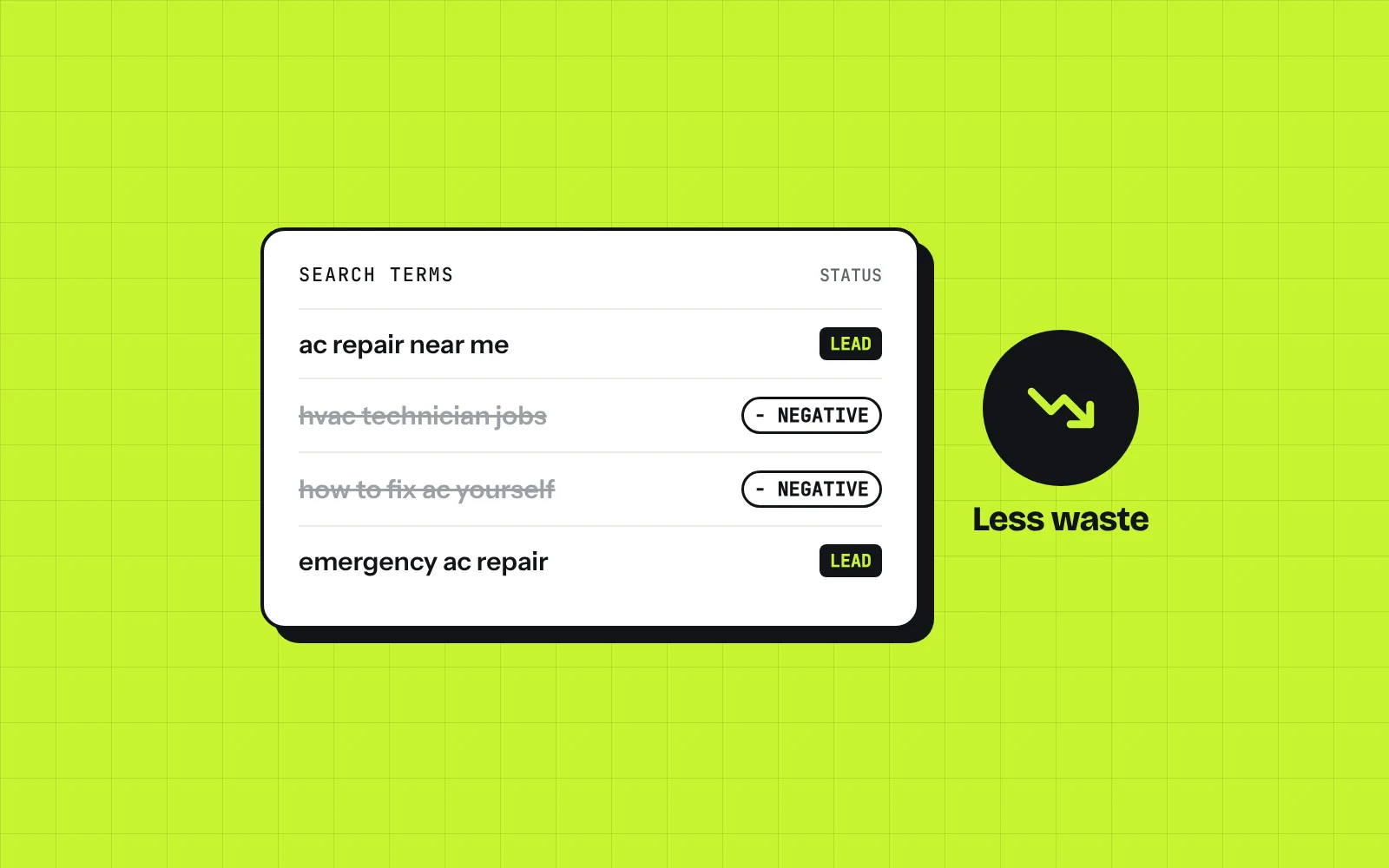
Most contractors who try Google Ads and quit say the same thing: “It didn’t work. We spent a lot and got a few junk calls.” In almost every account we review, the problem isn’t Google Ads itself. It’s a handful of settings and habits that quietly send money to the wrong people.
Here are the seven we see most often, and what to do about each one.
Mistake 1: Using Broad Keywords Without Watching Search Terms
Broad match lets Google show your ad for searches it thinks are related to your keywords. Sometimes that finds good customers. Often it means your “roof repair” ad shows up for “roofing jobs,” “how to fix a roof leak yourself” or “roof repair kit.”
The fix:
- Start with phrase match and exact match for your core services.
- Open the Search terms report every week. This shows the actual searches that triggered your ads, which is different from your keyword list.
- If you do use broad match, only use it with conversion tracking in place and a close eye on that report.
Mistake 2: Not Using Negative Keywords
Negative keywords tell Google which searches you don’t want to show up for. Without them, you pay for clicks from job seekers, DIYers and people looking for something you don’t sell.
Common negatives for contractors:
- jobs, hiring, salary, career, training, school
- DIY, how to, video, tutorial
- free, cheap (depending on your business)
- supplies, parts, Home Depot, Lowe’s
- Services you don’t offer, like “commercial” if you only do residential
Build a starter list before you launch, then add to it every time you check your search terms.
Mistake 3: The Wrong Location Setting
This one catches almost everyone. By default, Google can show your ads to people who are in your area or interested in your area. That means someone in another state reading about Phoenix could see your ad and click it.
The fix: in your campaign’s location options, choose Presence: people in or regularly in your included locations. Then double check the cities, ZIP codes or radius you’re targeting match where you actually want to work.
Mistake 4: Leaving the Display Network and Search Partners On
When you create a Search campaign, Google may include the Display Network and search partners. Display puts your ads on websites and apps, where people aren’t actively searching for a contractor. For most local service businesses, that’s where budget disappears with little to show for it.
The fix: for your main lead campaign, turn off the Display Network. Watch search partners separately and turn them off if they aren’t producing leads at a reasonable cost.
Mistake 5: No Conversion Tracking
If you aren’t tracking calls and form submissions, you can’t tell which keywords bring in jobs and which just spend money. Google can’t optimize toward leads either, because it doesn’t know what a lead is.
At a minimum, track:
- Calls from your ads
- Calls from your website
- Form submissions and quote requests
Once that’s in place, you can see cost per lead by keyword and ad, and make decisions based on real numbers instead of guesses.
Mistake 6: Sending Every Click to Your Homepage
Someone searching “emergency AC repair” wants to land on a page about emergency AC repair, with your phone number right at the top. Dropping them on a homepage that covers everything you do makes them hunt, and many won’t.
The fix: send each ad group to the page that matches it best. A good landing page has:
- A headline that matches the search
- Your phone number and a short quote form above the fold
- Reviews, photos of real work and the areas you serve
- Fast load times on a phone
Mistake 7: Set It and Forget It
Google Ads isn’t a one time setup. Searches change, competitors change their bids, and Google adds new settings and “recommendations” that don’t always help you.
A simple routine:
- Weekly: check search terms, add negatives, look at cost per lead.
- Monthly: pause keywords and ads that spend without converting, test new ad copy, review your ad schedule and locations.
- Always: read Google’s auto recommendations carefully before applying them. Several of them increase spend more than results.
Final Thoughts
You don’t need a huge budget to make Google Ads work for a local service business. You need tight keywords, a solid negative list, the right location settings, real conversion tracking and someone checking the account every week. Fix these seven and most accounts get noticeably better within a month or two.
If you’d like a second set of eyes on your account, request a free audit and we’ll show you where your budget is going and what we’d change first.