Local SEO for Contractors: How to Show Up When Homeowners Search Nearby
A plain English local SEO guide for contractors and home service businesses: your Google Business Profile, reviews, citations, service area pages and what to track.
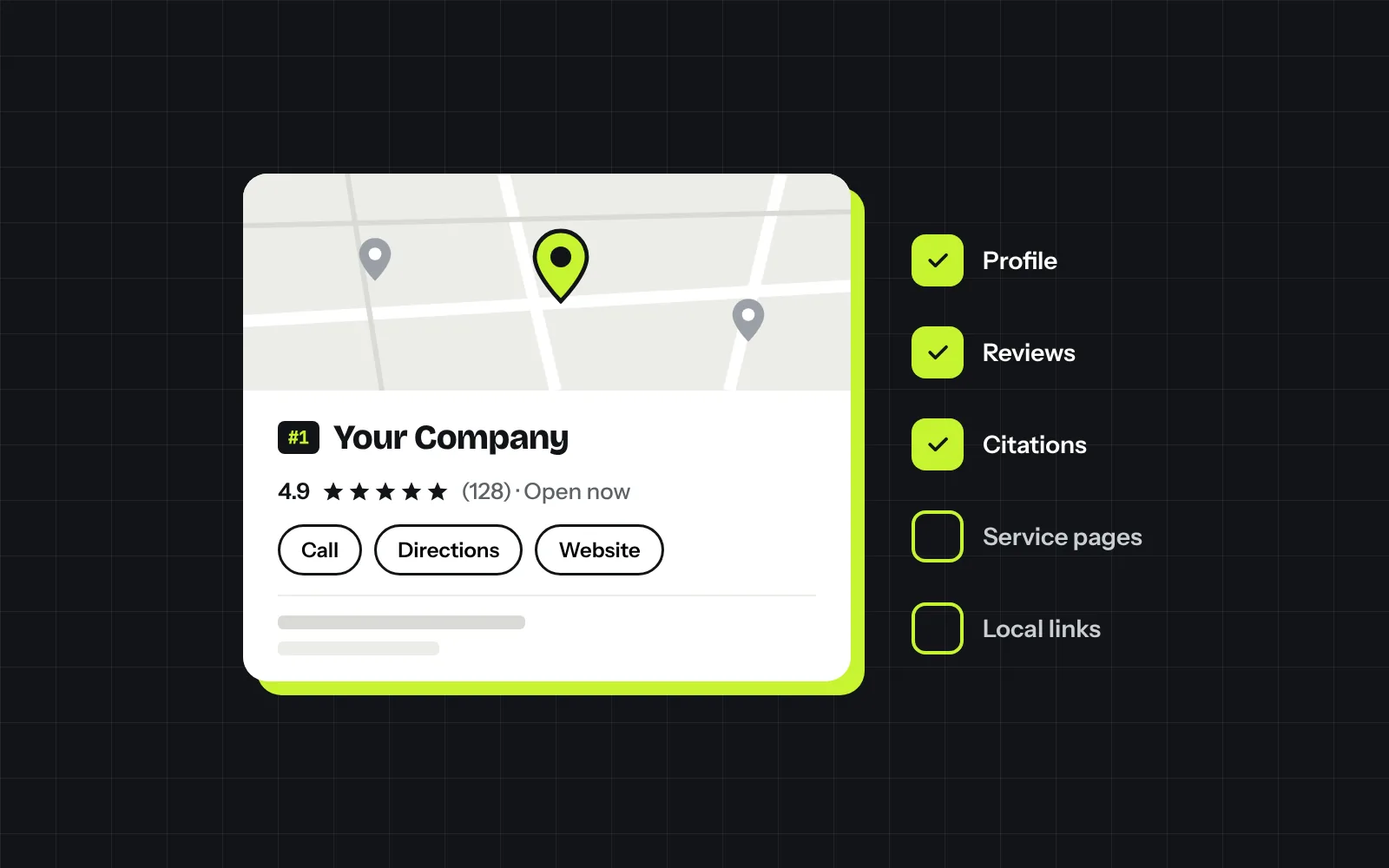
When a homeowner searches “roofer near me” or “landscaper in Surprise,” Google shows a map with three businesses before anything else. Those three get most of the calls. Local SEO is the work of getting your business into that group and keeping it there.
The good news is that most of it isn’t complicated. It comes down to a complete Google Business Profile, steady reviews, consistent business info across the web, and a website that tells Google exactly what you do and where. This guide walks through each piece in the order we’d tackle it.
How Google Decides Who Shows Up in the Map
Google ranks local results on three things:
- Relevance: how well your business matches what was searched. Your categories, services and website content drive this.
- Distance: how close you are to the searcher or the area they typed in. You can’t change where you are, but you can make your service area clear.
- Prominence: how well known and trusted you are. Reviews, links, mentions on other sites and your overall web presence all count here.
Everything below improves one or more of those three.
Step 1: Get Your Google Business Profile Right
Your Google Business Profile is the single biggest factor in the map results, and it’s free. If you haven’t claimed and verified yours, start there.
Once you’re in, work through this list:
- Primary category: pick the most specific one that matches your main service, like “Roofing contractor” instead of “Contractor.” This is the most important setting on the profile.
- Secondary categories: add the other services you actually offer. Don’t add categories for work you don’t do.
- Business name: use your real business name only. Adding keywords or city names (“Smith Roofing Best Roofer Phoenix”) breaks Google’s guidelines and can get the profile suspended.
- Service area: if you go to customers, hide your address and list the cities or ZIP codes you serve.
- Services: list each service with a short description in your own words.
- Hours, phone and website: make sure they’re correct and match your website exactly.
- Photos: upload real photos of your work, your team and your trucks. Add new ones every month.
- Description: explain what you do, who you do it for and where, in plain language.
Tip: link your profile to a specific service page or a homepage that clearly matches your main category, not a generic contact page.
Step 2: Build a Steady Stream of Reviews
Reviews affect both your ranking and whether someone calls you or the next company. Homeowners notice the star rating, how many reviews you have and how recent they are.
What works:
- Ask every happy customer, right when the job wraps up. A short text with your direct review link gets far better results than an email a week later.
- Make it a habit, not a campaign. Five new reviews a month beats twenty in one week and then nothing.
- Reply to every review, good or bad. Keep replies short, thank them and mention the service when it fits naturally.
- Handle negative reviews calmly. A professional reply often does more for you than the review hurts.
What to avoid: buying reviews, offering discounts in exchange for reviews, or only asking customers you know are happy while steering others elsewhere. Google can remove reviews or penalize the profile for any of these.
Step 3: Keep Your Business Info Consistent Everywhere
Google cross checks your business name, address and phone number (often called NAP) across the web. When directories show an old phone number or a former address, it weakens Google’s confidence in your listing.
Start with the important ones:
- Apple Business Connect (Apple Maps)
- Bing Places
- Yelp
- Angi, HomeAdvisor, Houzz, Thumbtack or Nextdoor, depending on your trade
- The Better Business Bureau and your local chamber of commerce
Use the exact same name, address and phone format on all of them. If you’ve moved or changed numbers, search for your old info and update whatever you find.
Step 4: Make Your Website Do Its Part
Your Google Business Profile gets you into the map, but your website is what backs it up. Google reads it to confirm what you do and where you do it.
The basics:
- A page for each main service. A single “Services” page listing everything rarely ranks for anything. Give roof repair, roof replacement and gutter installation their own pages.
- Service area pages, done properly. If you serve several cities, a page for each one can help, but only if each page has something real to say: projects you’ve done there, local details, reviews from customers in that city. Copying the same page and swapping the city name doesn’t work.
- Your name, phone and service area on every page, usually in the footer, matching your Google profile.
- Local business schema. This is code that tells Google your business name, phone, location and hours in a format it reads directly. Your web developer can add it in an afternoon.
- Fast and easy to use on a phone. Most local searches happen on mobile. If your site is slow or the phone number is hard to tap, people leave.
Step 5: Earn Local Links and Mentions
Links from other local websites tell Google that your business is real and active in the community. You don’t need hundreds. A handful of relevant local ones goes a long way.
Easy places to start:
- Suppliers and manufacturers you’re certified with (many have a “find a contractor” directory)
- Local trade associations and your chamber of commerce
- Sponsoring a youth sports team, school event or charity
- Partners you refer work to, like a pool builder linking to the landscaper they trust
- Local news or community blogs covering a project you’re proud of
Step 6: Track What Matters
Rankings are nice to watch, but calls and estimate requests are what pay the bills.
Keep an eye on:
- Google Business Profile performance: calls, website clicks, direction requests and the searches people used to find you.
- Website leads: form submissions and calls from your site, tracked in Google Analytics.
- Map rankings across your area: you might rank first near your office and not at all ten miles away. Grid tracking tools show this clearly.
- Reviews: your total count, average rating and how many you’re getting each month.
Check these monthly. Local SEO usually takes a few months to build momentum, so look at the trend, not one week.
Common Local SEO Mistakes
- Stuffing keywords or city names into your business name
- Using a virtual office or someone else’s address to rank in a city you’re not in
- Setting up the profile once and never touching it again
- Different phone numbers on your website, profile and directories
- Ignoring reviews or only replying to the bad ones
- Thin city pages that are copies of each other
Final Thoughts
Local SEO isn’t a one time setup. It’s a handful of habits: keep your profile current, ask for reviews after every job, keep your info consistent and give Google clear pages for each service and area you cover. Contractors who stay consistent with those basics tend to own the map in their area over time.
If you’d like to see where your business stands today, request a free audit and we’ll walk you through what’s working, what isn’t and what to fix first.